Book Appointment Now

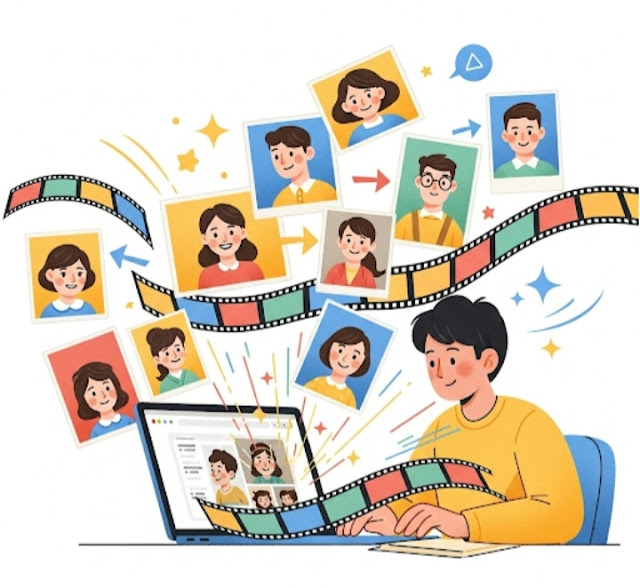
Revive Photos with Filmora AI 📸✨
⏳📸 Turn Back in Time: Create Movies from Pictures with Filmora AI🎥✨
Have you ever received old photos that have priceless memories? 💌🖼️ Imagine watching them come alive as beautiful videos! 🌟🎞️ You can use Filmora AI Image-to-Video to turn static images into engaging video content. 📽️ Whether it’s a childhood photo 👶, a family portrait 👨👩👧👦, or a vintage picture of your grandparents 👵👴, this AI-powered tool revives your memories. 💖

📖✨ It includes step-by-step instructions on how to use Filmora AI Image-to-Video to turn your old pictures into enchanting videos. 🎥💫
🌟Features of Filmora AI Image-to-Video
But even if you’ve only used basic editing software 🖥️✂️, this AI tool from Filmora 🤖🎥 makes animating your images 🖼️✨ incredibly easy and accessible 🚀👍. Here’s why it’s worth trying: 🌟
- 🤖 AI-Driven Animation — Manual editing is a breeze! Automatically enhances your images and animates them smoothly using AI.
- 🖱️ Accessible Interface – A straightforward drag-and-drop experience for beginners.
- 🎨 Customization Options – Include effects, transitions, and music to impress your audience.
- ⚡ Quick Processing — Professional-quality results in minutes.
🛠️How to Turn Photos into Videos in Filmora AI Step by Step
Step 1: 📥💻 Download & Install Filmora
Get Wondershare Filmora from the official website 🌐, install it ⚙️, and launch the program ▶️. Then, head to the AI Image-to-Video tool 🤖🎞️.
Step 2 : 🖼️Import Your Old Photo
Tap Import ⬆️ to load your old photo 🖼️. Filmora is compatible with different image formats 🗂️: JPG, PNG, and BMP. For better results 🌟, select the highest quality image 📷✨.
Step 3 : 🎞️The process for creating AI Animation
🤖🎞️ Choose the AI Image-to-Video tool after upload 📤. The AI will examine your photo 🖼️🔍 and recommend animation effects 🎨✨. Options include facial motion 😀, background motion 🌄, or cinematic zoom effects🎥📽️
Step 4: 🎶Personalize the Video
🎯 Here are ways to make your video more engaging:
🔄 Transitions — Transition between effects smoothly for a polished look ✨.
🎵 Add Music & Sound Effects — Built-in effects 🎶🔊 or the option to upload your own 📂.
🎨 Spruce It Up with Filters & Text — Use vintage filters 🕰️ or add text ✍️📝 to narrate.
Step 5: 👀 Preview & Export
👀🎞️ Click Preview to watch your animated video ▶️✨. When you’re happy 😄👍, click Export 📤 and select your desired file resolution 📺 (HD or 4K). You can save the video 💾📱 or share it directly to social media 📢🌐!
Final Thoughts
🎥 Filmora AI Image-to-Video can turn your old pictures 📸 into stunning videos ✨ in a matter of minutes ⏱️. Whether you want to preserve family history 👨👩👧👦, create a tribute ❤️, or simply enjoy a creative outlet 🎨 for your memories 🪞, this tool gives you just that with the tap of a button 📲.
💡Want more advice for video editing? Let me know in the comments! 💬