Book Appointment Now

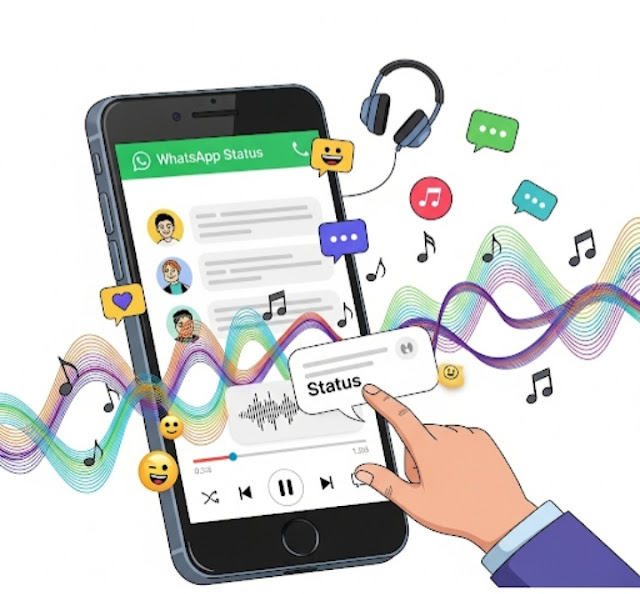
WhatsApp: Add Music to Status 🎧🎵
📢WhatsApp Is Getting a New Feature That Lets You Add Music to Your Status Updates 🎶
✨ Latest WhatsApp feature: Add music to your Status 🎧
This update introduces a fun new way to share moments with friends and family 👨👩👧👦 and make your WhatsApp updates come alive with expression 🎤📲💫.

🎉What’s New?
Now you can add background music 🎶 to WhatsApp Statuses just like Instagram Stories 📸. Yes, you can now add a soundtrack 🎵 to your stories — whether it’s your favorite song 💖, a trending tune 🔥, or a meaningful melody 🎼, this addition makes your updates more interactive 🎧.
📲How to Use Music in Your WhatsApp Status
Steps to make your Status more interesting with music:
- 🔄Keep WhatsApp Updated – Ensure that you have the latest version of WhatsApp installed on your phone. Check for updates in the App Store 🍏 or Google Play Store 🤖.
- 📁 Open WhatsApp Status — Navigate to the Status tab and click on “Add Status ➕”.
- 🎵 Select the Music Option — Choose the new “Music” option 🎶, next to text, photo, and video.
- 🔍 Search for Song — Explore WhatsApp’s music collection 🎼 or pick a song from your local media 🎧.
- ✂️ Trim the Clip – Select the portion of the song you want to play. Edit and choose the perfect segment 🎯.
- 🎨 Customize Your Status — Add text ✍️, stickers 🧩, or filters 🎭 before posting.
- 📤 Share It – Once you’re happy, press the “Send” button 🚀 to share your music-filled Status 🌟 with your contacts.
🌟Why This Feature is a Major Shift
Shift
- 💓 Adds Feeling – Music creates emotion and depth in your updates.
- 📈 Increased Engagement – Viewers are
WhatsApp’s music integration is an awesome update 🚀 that enhances how users express themselves 🗣️. Whether you’re sharing joy 😊, setting a vibe 🌈, or just adding lyrics 🎤, this feature makes your WhatsApp experience more fun and personal 💬💚.
🙋♀️ Have you used this feature already? Let us know what you think! 💬