
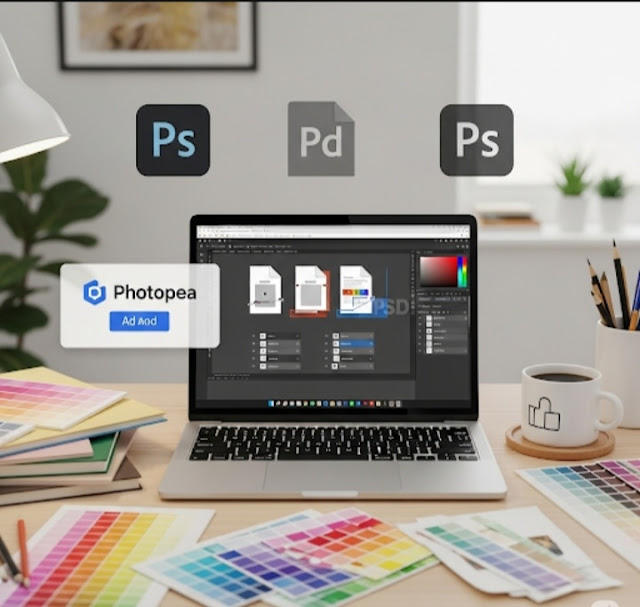
I’ve Tried a Dozen Photoshop Alternatives I Keep Returning to This Free Tool
If you’ve googled for a Photoshop alternative 🔍, you know the pain 😩. There are some other options, though finding one that really rivals Photoshop’s power ⚡, flexibility 🔄, and user-friendliness 🤝 can be tricky. Over the years, I’ve tried everything from premium software 💸 to open-source tools 🆓, and while some were close 🧐, none could take the place of Photoshop except one ✅.

🔥 In this guide, you’ll discover the best free photo editing software, their features, and how to choose the perfect Photoshop alternative for your needs—without spending a single rupee! 💯
After many experiments, I always return to Photopea 🎯.
Why Photopea Stands Out 🌟
Photopea is a fully free 🆓, browser-based 🌐 photo editor that looks and works pretty much exactly like Photoshop 🎨. No downloads required ⬇️🚫, and it easily opens PSD, AI, XD, Sketch, and other familiar formats 📂.
Here’s why it has become my favorite ❤️:
✅ No Installation Needed
One of the most appealing things about Photopea is that it runs completely in your web browser 💻. Whether I’m executing commands on a powerhouse desktop 🖥️ or budget laptop 💼, I have access to my projects right away 🚀 without installing anything 🧩.
🖱️Photoshop-Like Interface
If you’ve used Photoshop before, you’ll be in familiar territory 🛠️. The panels, tools, and shortcuts are very, very similar 🔁 — so there’s next to no learning curve 📘.
📁Works with PSD Files
Photopea can open, edit, and save Photoshop (PSD) files without breaking layers or effects 💥, which you can’t do with most free alternatives 🙅♂️. This alone makes it an absolute must-have for anyone working with Photoshop users 🤝.
💪Surprisingly Powerful
Photopea has everything I need for photo editing and design work 🧑🎨 — from advanced selections ✂️ and layer masks 🎭 to smart objects and blending modes 🌀.
🆓 Free (With a Very Small Ad Banner 📢)
Photopea is free to use aside from a small ad banner on the side 📶. You can upgrade 💳 for an ad-free experience, but honestly, the ads are minimal and don’t get in the way 👌.
🚧 The Downsides
No tool is perfect 🔧. Since Photopea runs in a browser, it can be a bit less responsive 🐢 than a native app — especially with large files 📸. And it lacks some of Photoshop’s higher-end A.I.-powered tools 🤖. But for everyday photo editing and graphic design ✍️, those limitations are minor.
🏁Final Verdict
I’ve tried Affinity Photo, GIMP, Krita, etc. 🔄 — but I keep returning to Photopea. It’s quick ⚡, easy 🧘, and very convenient 🎯. Give it a go if you need a Photoshop alternative without the multimillion-dollar price tag 💰 — you might be surprised how much it’s capable of 💡.
FAQs
❓ What is the best free Photoshop alternative? 🎨
Some of the best free Photoshop alternatives include GIMP, Photopea, Pixlr, and Krita. These tools offer powerful editing features similar to Photoshop without any cost.
❓ Can I use free photo editing software professionally? 💼
Yes! Many free tools provide advanced features like layers, masks, and filters, making them suitable for professional photo editing and graphic design.
❓ Is there an online Photoshop alternative? 🌐
Absolutely! Photopea and Pixlr are popular online photo editors that work directly in your browser—no download required.
❓ Do free Photoshop alternatives support PSD files? 📂
Yes 👍 Many tools like Photopea and GIMP support PSD files, allowing you to open and edit Photoshop projects easily.
❓ Which free photo editor is best for beginners? 🧑🎨
Pixlr and Canva are great for beginners because they have simple interfaces and easy-to-use editing tools.
❓ Are free photo editing tools safe to use? 🔒
Most popular tools are safe if downloaded from official websites. Always avoid unknown sources to protect your data and device.
❓ Can I edit photos on mobile using free apps? 📱
Yes! Many free photo editing apps are available for Android and iOS, offering powerful editing features on the go.
❓ Do free Photoshop alternatives have AI features? 🤖
Yes! Some tools include AI-powered features like background removal, auto-enhancement, and smart filters.

Leave a Reply